 Think in blue
App for iPad, iPhone and Mac
The sketchbook app for architecture, engineering and design.
For iPad, iPhone and Mac. Sketch freely, let shapes be recognised, add dimensions. With Apple Pencil, finger or trackpad.
Try the beta app for free- 01Sketch
Draw walls freehand. BLŪ straightens them and snaps them to the grid.
- 02Dimension
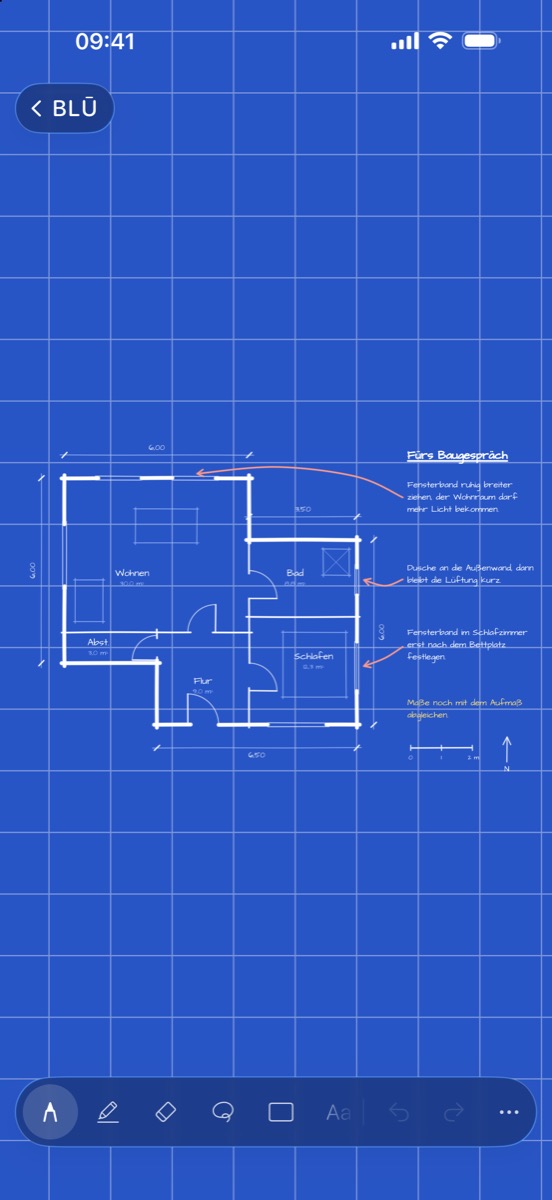
Draw a dimension line and the length appears right next to it. In metres, no maths.
- 03Annotate
Name the rooms, note the areas. Ready for the client meeting.
The BLŪ app combines the freedom of a hand sketch with the precision of a plan. Dimension lines, a millimetre grid and shape recognition that straightens what you only hint at. A sheet that thinks along, at the office, on the go and on site.
Freehand in.Geometry out.
- 01
Dimension lines
Lengths right in the plan. Move and rotate the ruler with two fingers.
- 02
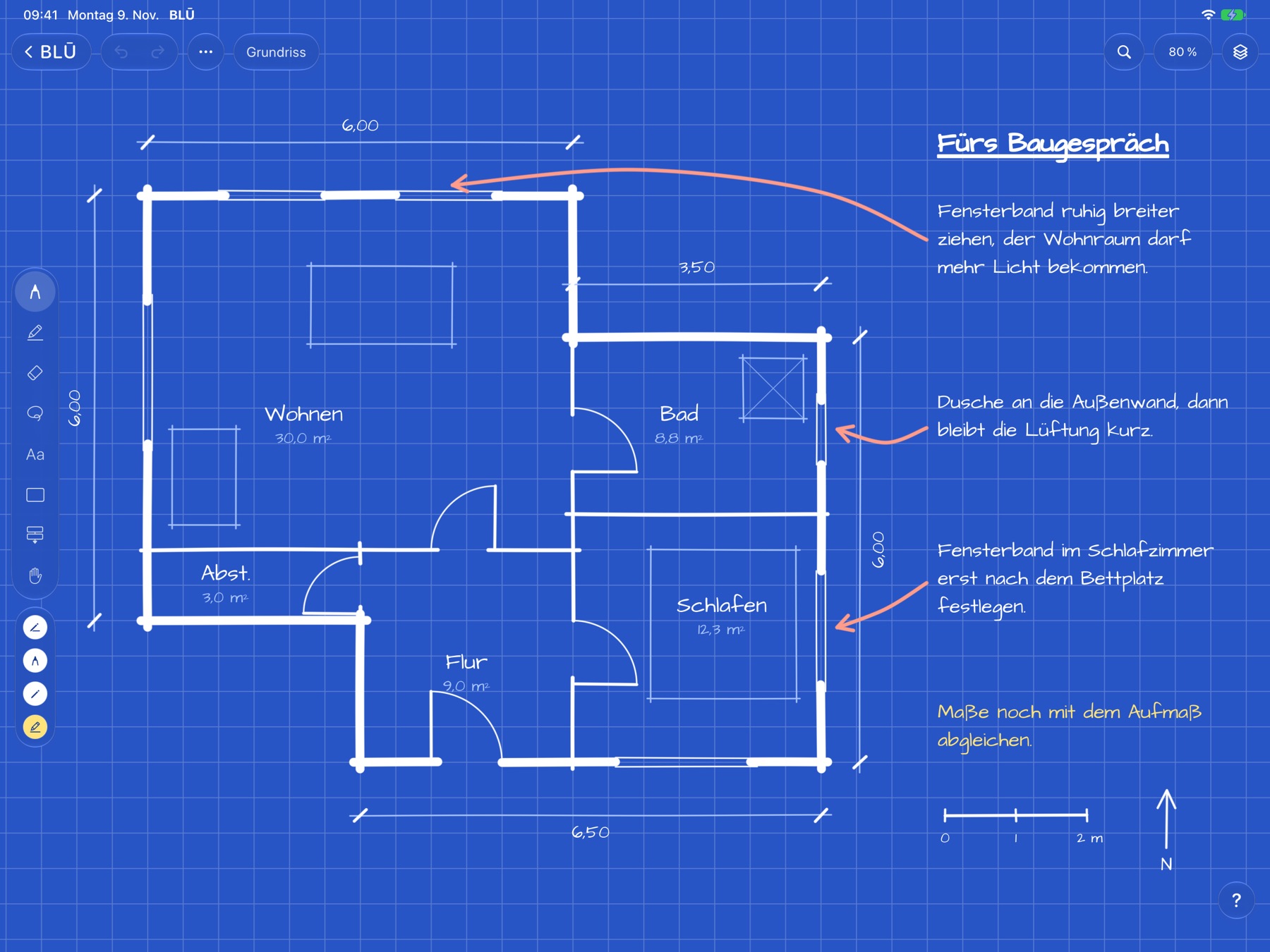
Grid and snapping
Dots, squares, millimetres. Objects snap to the grid or to the edges and centres of other objects.
- 03
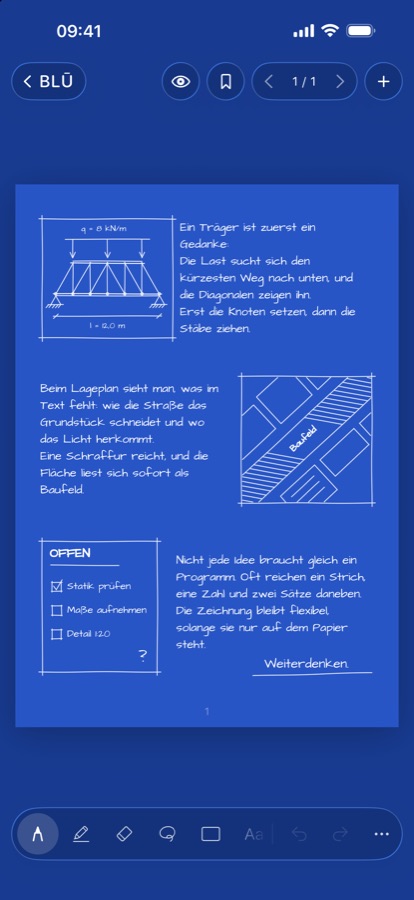
Shape recognition
A freehand stroke becomes a line, circle, ellipse, rectangle, polygon, arrow or star.
- 04
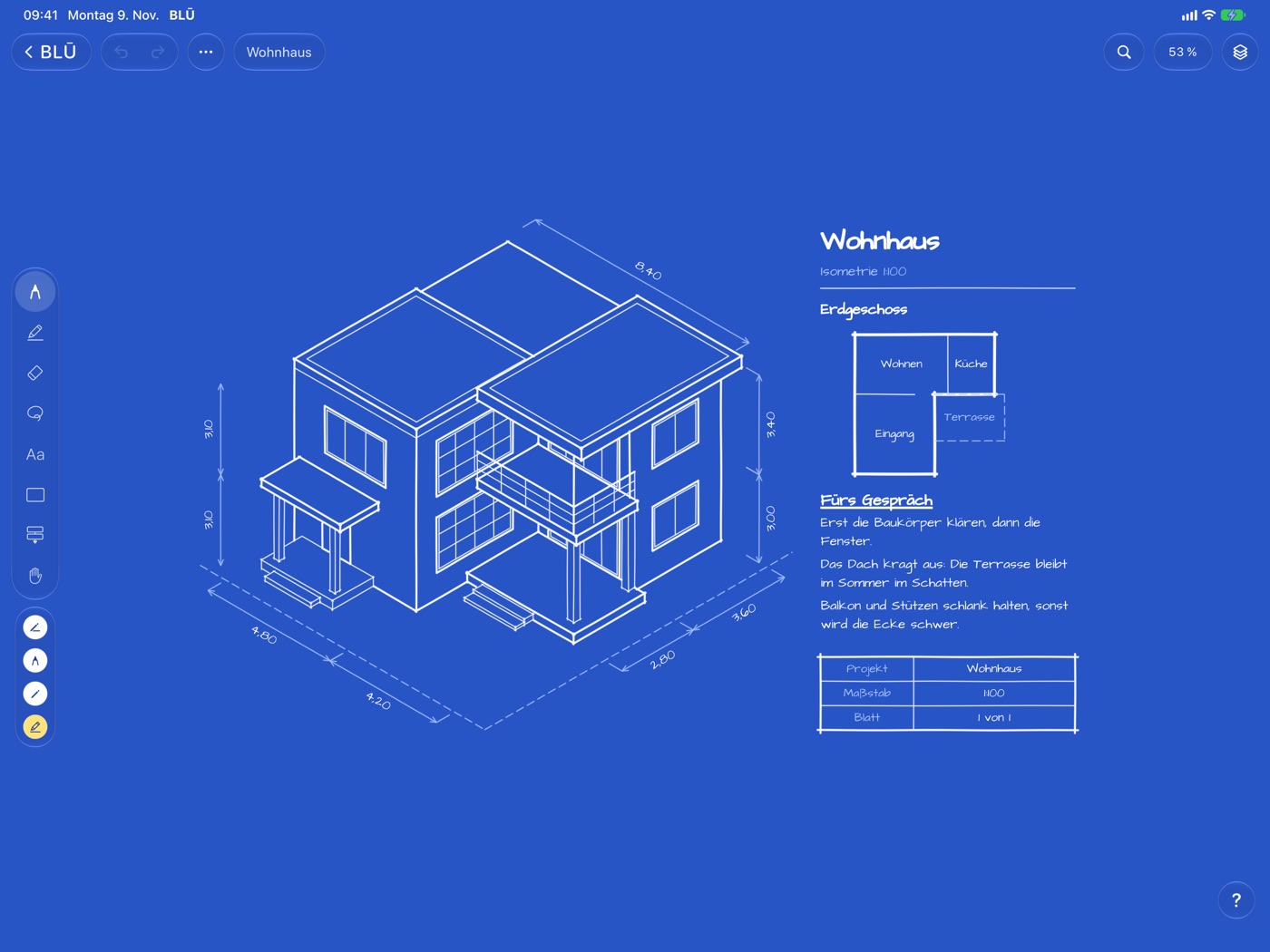
Open Space
A canvas without edges for site plans, isometrics and the bigger picture. Connections follow when you move things.
- 05
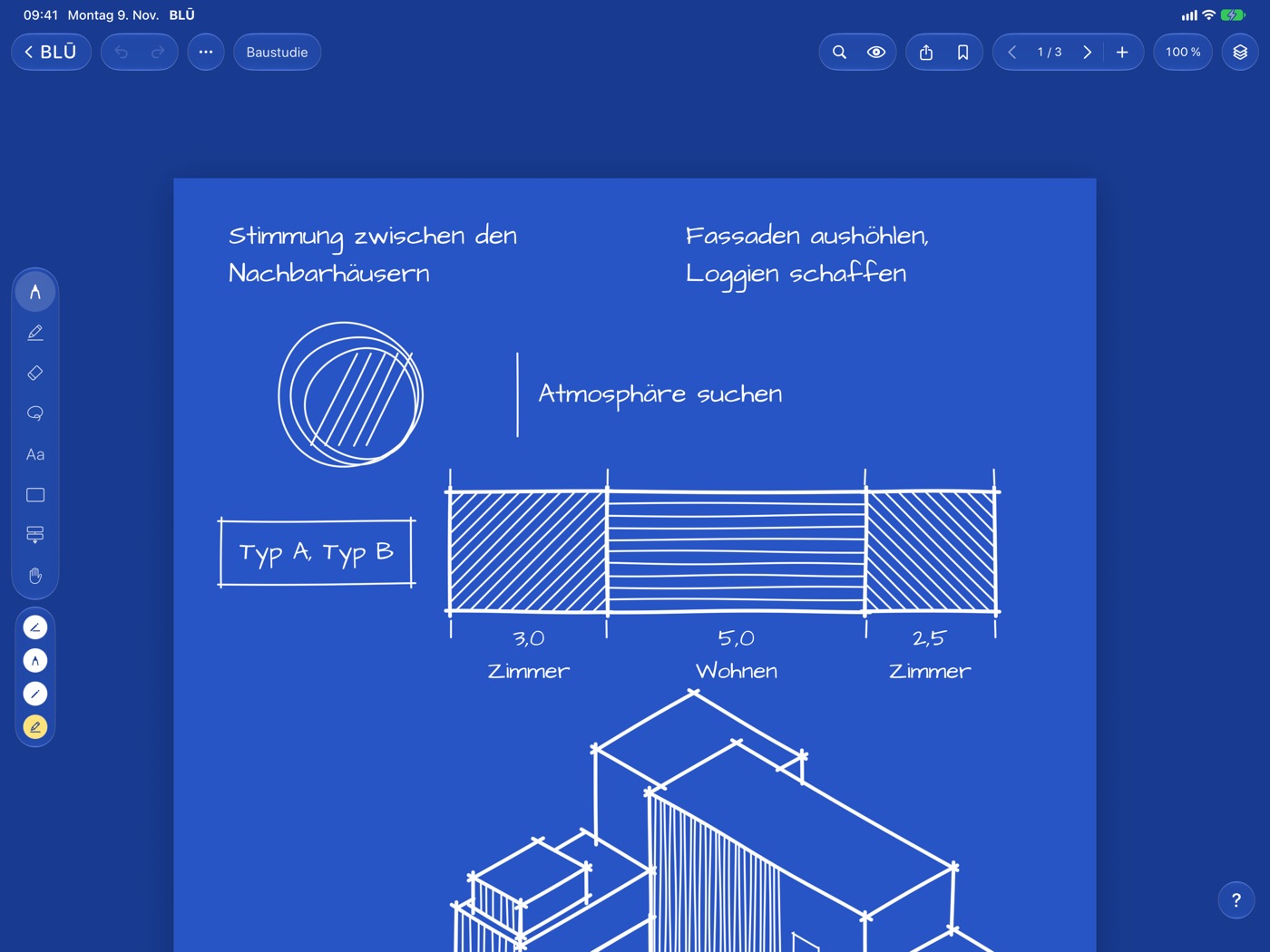
PDF plans
Import plans as PDF, draw and comment on them, share them again as PDF.
- 06
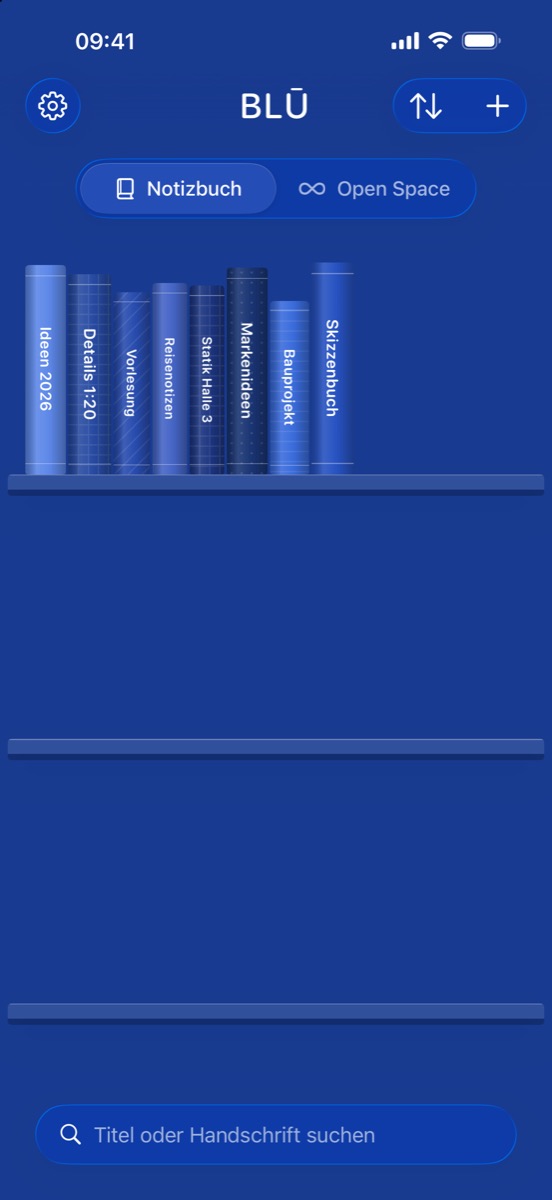
Handwriting search
Finds what you wrote by hand, too, across all your books.
- 07
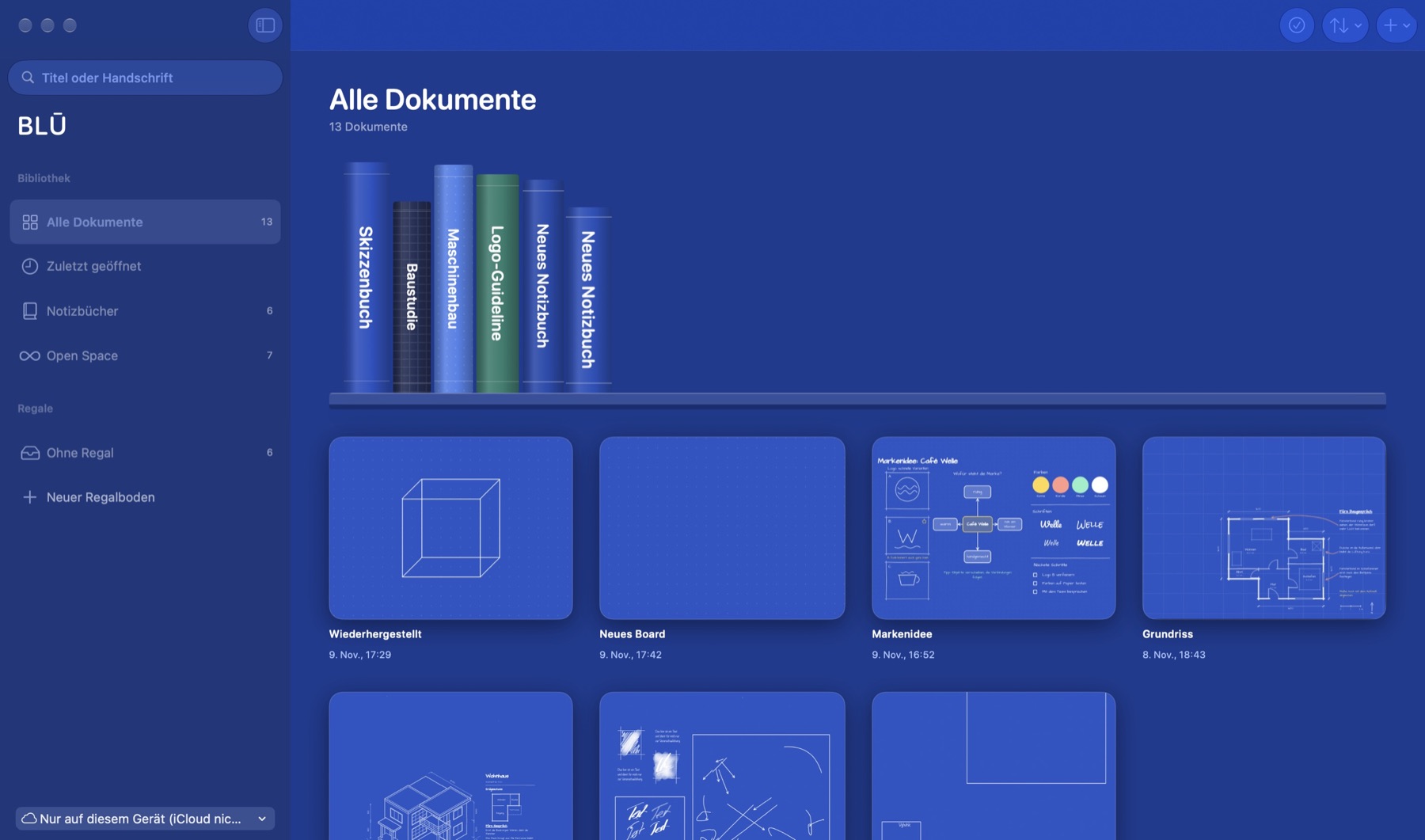
Export as a book
PDF with cover, table of contents and page numbers. Plus SVG and PNG, shapes stay vectors.
From floor plan to robot arm.
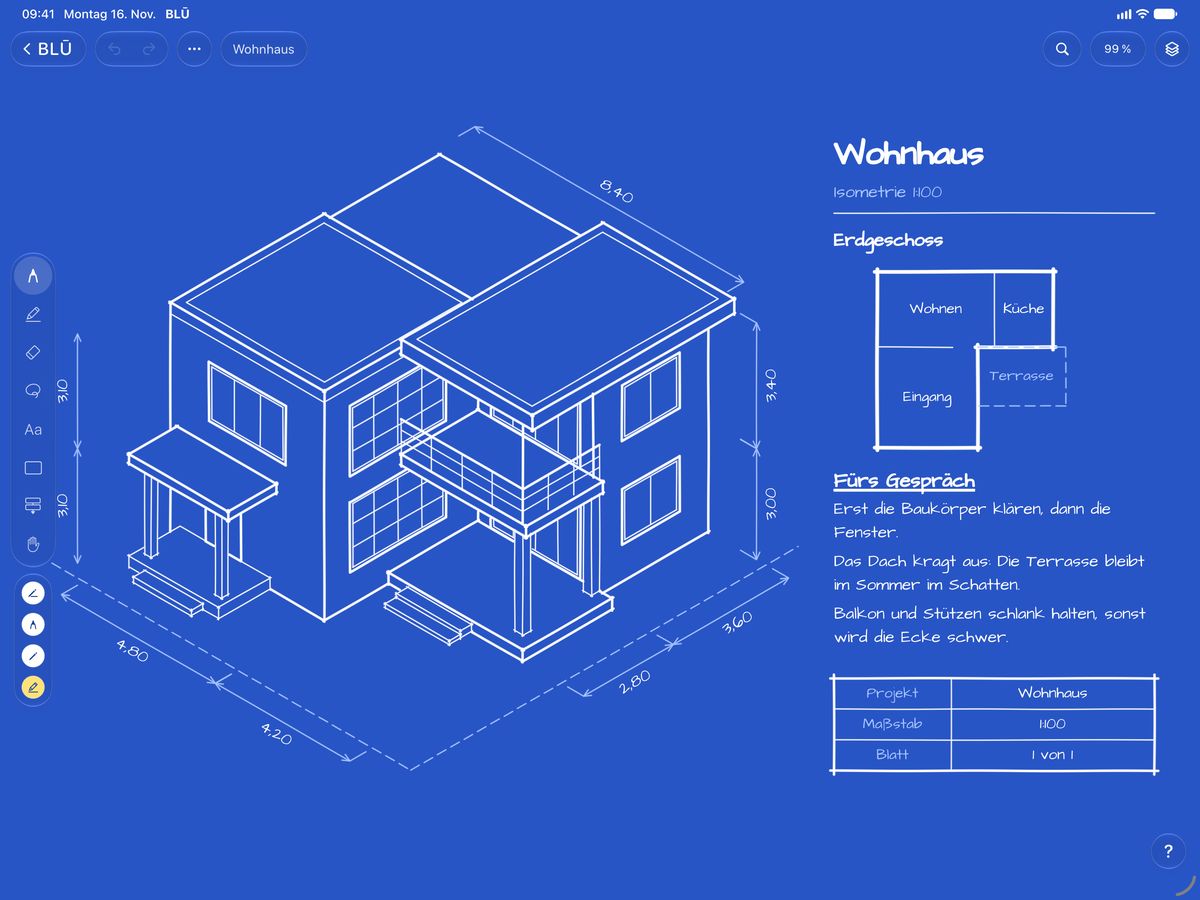
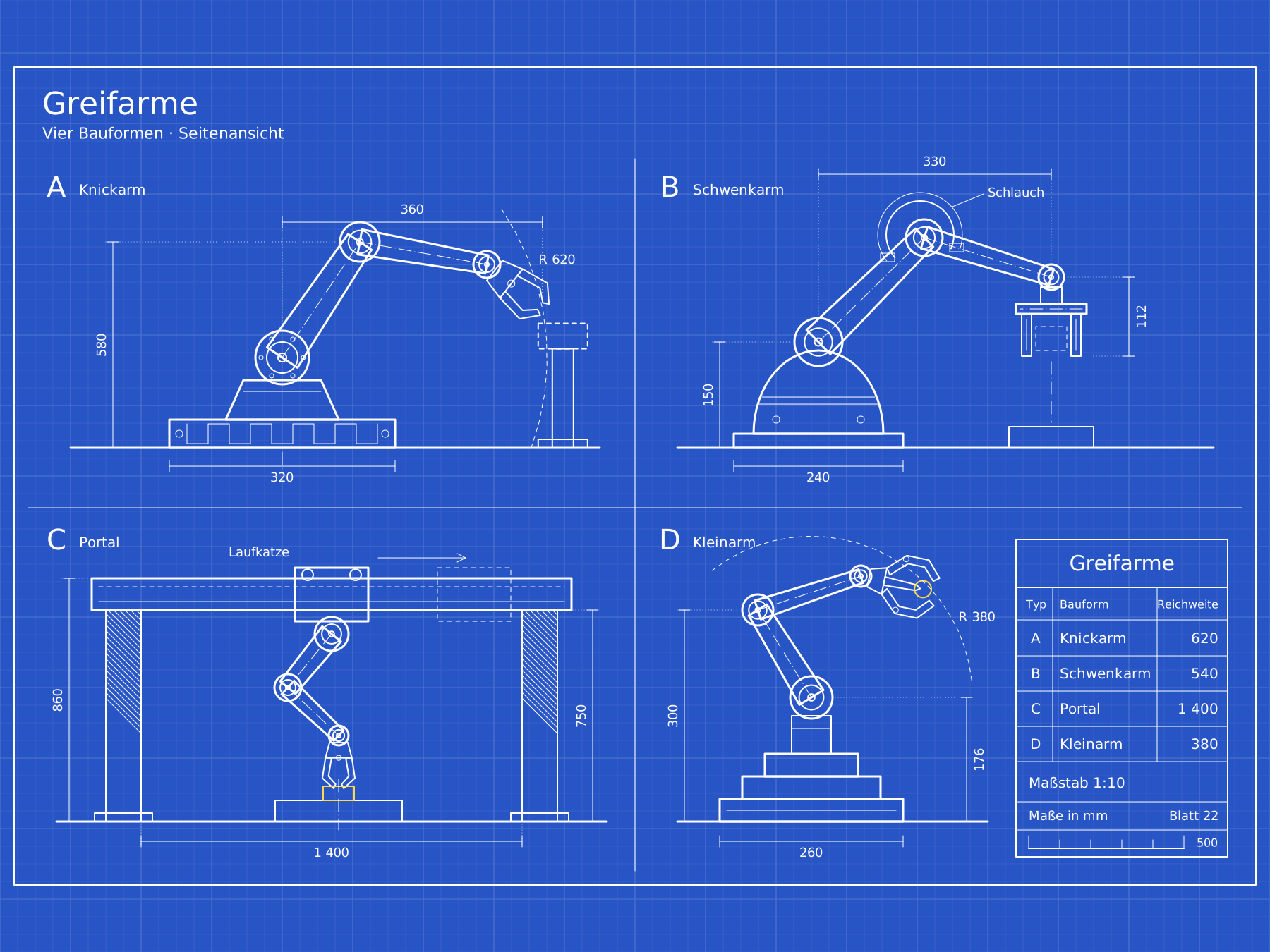
In the app to view and copy: house, townhouse, high-rise, mechanical engineering, robot arms, robot cell, light bulb and more.
At the office. On the go. On site.
MacAt the office, on the big screen
- Devices
- iPad with iPadOS 17 or later, iPhone with iOS 17 or later, Mac with macOS 14 or later
- Input
- Apple Pencil with pressure and tilt, finger, mouse, trackpad, keyboard
- Paper
- Blank, dots, 5 mm squares, millimetre, lined, storyboard, Cornell
- Format
- A4 notebook, Open Space without edges
- Pens
- Dip pen, fineliner from 0.5 pt, fountain pen, pencil, watercolour, marker
- Geometry
- Shape recognition, dimension lines, ruler, snapping, connections, layers
- Import
- PDF as a notebook, images from Photos, Files and the clipboard
- Export
- PDF as a book, SVG, PNG for a page, board or selection
- Languages
- English, German, Spanish, Portuguese, Italian, Dutch, Polish
Your plans stay with you.
About the beta.
What does BLŪ cost?
BLŪ is free during the beta. We will announce the price, the model and the App Store launch before release. Beta testers hear first.
How do I become a beta tester?
Install Apple’s free TestFlight app, then open the beta link. BLŪ runs on iPad, iPhone and Mac.
What happens to my drawings after the beta?
Your drawings live on your device or in your own iCloud storage. When you later install the App Store version, they stay. We have no access to them.
Where do I send feedback?
Easiest from inside the app: take a screenshot and choose “Share Beta Feedback”, or use BLŪ in the TestFlight app. Or email info@felicedesignstudios.com.
Who is behind BLŪ?
BLŪ is an app by Felice Design Studios, a design studio in Iserlohn, Germany. Built by Claúdio Coxe João. More in the imprint.